

Shared Calendar for Couples: 8 Things to Look For
Choosing a shared calendar for you and your partner? Learn which features matter, from privacy and two-way sync to recurring events and data ownership.
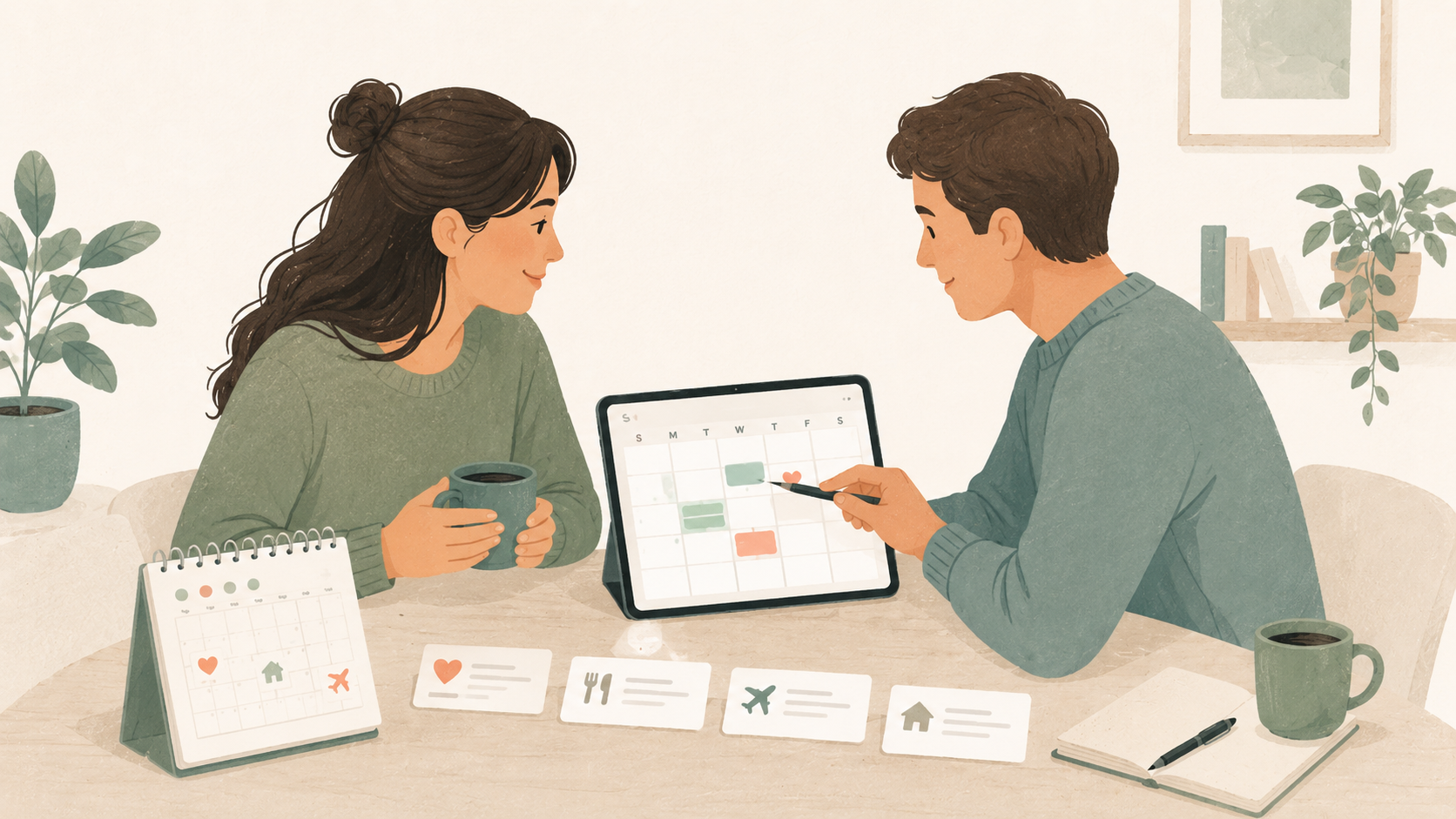
A shared calendar for couples sounds simple.
You create a calendar, invite your partner and start adding dinner reservations, family visits, holidays and appointments.
Then real life gets involved.
One of you uses an iPhone. The other uses Android. Work is in Outlook, personal events are in Google Calendar, and the family calendar still lives in iCloud. Some plans should be shared, while others should remain private.
Before long, the shared calendar becomes either another app nobody checks or a messy collection of duplicated events.
The best calendar for a couple is not necessarily the one with the most features. It is the one that quietly fits around the calendars and habits you already have.
Here are eight things worth looking for.
1. It should work across iPhone and Android
A relationship should not require a shared phone ecosystem.
If one partner uses Apple Calendar and the other uses Google Calendar, both should still be able to see and manage shared plans without moving their entire schedule to a different provider.
At a minimum, a couples calendar should work on both iPhone and Android.
Ideally, it should also connect to the calendar services each person already uses, such as:
- Google Calendar,
- Apple Calendar and iCloud,
- Outlook and Microsoft 365,
- CalDAV services such as Nextcloud or Fastmail.
A shared Google Calendar can be enough when both people are comfortable using Google. It becomes less convenient when one person wants to keep personal events in iCloud or when work calendars cannot be moved.
The goal should not be to make one partner adopt the other partner’s setup. It should be to create a shared layer between them.
For a closer look at the cross-platform options, read how to share a calendar between iPhone and Android.
2. Sharing should not mean sharing everything
Giving someone access to your entire personal calendar may be easy, but it is rarely necessary.
A calendar can contain more information than we realise:
- medical appointments,
- work meetings,
- private reminders,
- travel details,
- addresses,
- video-call links,
- notes copied from emails,
- events involving other people.
Being in a relationship does not mean every entry needs to be shared.
A better approach is to create a separate calendar for plans that belong to the relationship itself.
That calendar might contain:
- dinners and reservations,
- trips,
- anniversaries,
- appointments you attend together,
- visits from friends or family,
- household deadlines,
- shared errands,
- evenings you want to keep free.
Each person can continue keeping private and professional calendars separate.
A good couples calendar provides a shared space without turning access into an all-or-nothing decision.
3. Both partners should be able to edit events
There is an important difference between seeing someone’s calendar and planning together.
Read-only subscriptions are useful for public schedules, school holidays or sports fixtures. They are frustrating when both people need to make changes.
Imagine that your partner adds a restaurant reservation for 7:00 PM. The restaurant later calls and moves it to 7:30 PM.
Can either person update the event?
Can both add a location, note or reminder?
Will the change appear on both phones?
A calendar for couples should support genuine collaboration. Both partners should be able to create, update and remove shared events, depending on the permissions they have been given.
Useful permission levels include:
- Owner: manages the calendar and its members.
- Editor: creates and changes events.
- Viewer: sees plans without changing them.
Permissions become especially useful when a calendar expands beyond two people. A household calendar, for example, may include children, relatives or housemates who do not all need the same level of access.
4. Changes should sync in both directions
Some calendar integrations only import a copy of your events.
That can look fine at first. The problem appears when something changes.
If an event is moved in Google Calendar, does the new time appear in the shared calendar? If you edit it in the shared app, does that change return to Google Calendar?
With one-way synchronisation, one view eventually becomes outdated.
Two-way sync means changes can travel in both directions:
- events from an external provider appear in the shared app,
- changes made at the provider flow back into the shared app,
- changes made in the shared app can update the original calendar.
This matters because people rarely use only one interface.
You might create an event from your laptop, adjust it from your phone and check it later through a home-screen widget. Your partner may interact with the same event through a completely different provider.
A reliable shared calendar should not require everyone to remember where an event was originally created.

5. It should handle recurring events properly
Recurring events are where calendar systems are truly tested.
A weekly date night sounds straightforward until:
- one week is cancelled,
- the next occurrence moves to Thursday,
- the restaurant changes,
- a single occurrence needs a different reminder,
- the whole series eventually changes time.
A recurring event is not simply a list of identical copies. It is a series with rules and individual exceptions.
Poor synchronisation can produce:
- duplicate events,
- deleted events returning,
- exceptions appearing at the wrong time,
- an entire series changing when only one occurrence was edited,
- different information on each partner’s phone.
For a couples calendar, recurring events may include:
- weekly planning sessions,
- alternating household tasks,
- childcare schedules,
- regular family visits,
- monthly bills,
- medication reminders,
- anniversaries and birthdays.
Before relying on a shared calendar, test what happens when you edit only one occurrence of a repeating event.
It is a small test that reveals a lot about how dependable the calendar will be.
6. One event should not need several copies
Most calendar systems place each event inside exactly one calendar.
Real plans often belong to several contexts at once.
A weekend trip might be relevant to:
- your personal calendar,
- your partner’s personal calendar,
- the couple’s shared calendar,
- a family calendar,
- a childcare calendar.
The usual solution is to copy the event.
Now five calendars contain five separate events. If the departure time changes, someone has to remember to update every copy.
Invitations can help, but they also bring organiser rules, attendee statuses and provider-specific behaviour that may be unnecessary for a simple shared plan.
A more flexible model is to let one event belong to multiple calendars.
Musubi calls this linking rather than copying.
A dinner can appear in your calendar, your partner’s calendar and a family calendar while remaining one event underneath. Edit it once and the update appears everywhere it is linked.
This better reflects how plans work in real life: one event can matter to several groups without becoming several independent events.
7. It should remain calm
Many apps are designed to maximise the number of times you open them.
A calendar should not need to do that.
You open a calendar because you need to know what is happening, add a plan or change one. It does not need:
- an activity feed,
- engagement notifications,
- friend recommendations,
- public profiles,
- suggested connections,
- reactions to ordinary calendar changes.
For couples, more notifications do not automatically mean better communication.
A useful reminder is valuable. A notification announcing that your partner changed the colour of a calendar is probably not.
Look for a calendar that lets you choose which alerts matter and remains quiet the rest of the time.
The product should support the relationship, not try to become part of it.
8. You should be able to leave with your data
A shared calendar may hold years of personal history.
It can show when you travelled, where you lived, which traditions you kept and which people were part of your life.
Before choosing an app, ask:
- Can calendars be exported?
- Is a standard format such as ICS supported?
- What happens when an account is deleted?
- Can a member leave a shared calendar?
- Can ownership be transferred?
- Is there a self-hosted option?
- Is the source code available?
- Does the company sell calendar data or use it for advertising?
An export button does not make an application open source, and open-source code does not automatically guarantee good privacy. Both are still useful signals.
Open source allows people to inspect how the software works. Self-hosting provides the additional option of running the server on infrastructure you control.
You may never need either. Knowing they exist makes it less likely that your shared history will become trapped in a service you can no longer use.
A simple calendar setup for couples
For many couples, the cleanest setup contains three layers.
Your calendar
This is where you keep personal plans that do not need to be shared.
It might use Google Calendar, iCloud, Outlook or another provider.
Your partner’s calendar
Your partner keeps their own personal and professional schedule in the system that works for them.
Neither person needs to migrate everything into one shared account.
Your shared calendar
This calendar contains plans that belong to both of you.
Instead of sharing every personal event, you intentionally add or link the events that affect the relationship.
The shared calendar becomes a reliable answer to questions such as:
- Are we free on Saturday?
- When does the train leave?
- Who is visiting next weekend?
- When is the appointment?
- Did we already make plans for that evening?
The key is that both people know what the shared calendar represents.
It is not a complete record of either person’s life. It is the place where their schedules meet.

Should couples use one shared account?
It can be tempting to create one Google or Apple account and sign in on both phones.
This is usually not the best long-term setup.
A shared account can mix together:
- email,
- contacts,
- photos,
- device backups,
- purchases,
- browser data,
- security settings,
- password recovery.
It also makes it difficult to tell who created or changed something.
Separate individual accounts with access to a shared calendar are safer and easier to manage. Each person keeps control of their identity while both collaborate in the same calendar.
What about shared to-do lists?
A calendar and a task list solve related but different problems.
A calendar is best for things that happen at a particular time:
- appointments,
- reservations,
- departures,
- visits,
- calls,
- events with a deadline.
A shared task list is better for work that needs to be completed but does not require a specific time:
- buy washing powder,
- book accommodation,
- call the plumber,
- choose a birthday present.
Trying to turn every task into a calendar event can make the calendar noisy. Keeping every appointment inside a task list can make it easy to miss.
Many couples benefit from using both: a calm shared calendar for time and a lightweight shared list for tasks.
How Musubi approaches calendars for couples
Musubi is built around a calendar per relationship.
You can create one for you and your partner, another for the household and another for the few friends you regularly make plans with.
Calendars are shared by invitation rather than through a public social network.
Musubi brings Google, Apple and iCloud, Outlook and Microsoft 365, and CalDAV calendars into one view with two-way synchronisation. Each person can keep using their existing provider while sharing selected plans.
An event can also be linked to several calendars instead of being copied into each one.
Musubi is open source under the MIT License and can be self-hosted with Docker. The hosted service has no advertisements or social discovery layer.
It is not intended to be another place demanding attention.
It is a quiet place for the people you actually plan with.
Choosing the right couples calendar
A shared Google Calendar is often enough when both partners are comfortable using Google and want a familiar, free solution.
An Apple shared calendar works well when both people are already inside the Apple ecosystem.
A self-hosted CalDAV server provides more control for people who are willing to manage the technical setup.
A cross-platform shared calendar is useful when both partners want to keep their existing providers while creating a private planning space between them.
Whatever you choose, focus on the behaviour that matters:
- both people can access it,
- both can make appropriate changes,
- updates stay synchronised,
- private events remain private,
- recurring plans behave correctly,
- data can be exported,
- the app does not create unnecessary noise.
The best shared calendar is not the one you spend the most time inside.
It is the one that prevents the quiet Sunday-evening question:
“Wait—didn’t we already have plans?”
Try Musubi
Musubi is an open-source, self-hostable shared calendar for partners, households, families and small groups.
Connect the calendars you already use, create a private calendar for the relationship and share it only with the people you invite.
Start with one shared calendar, read the documentation, or explore the source code.
Frequently asked questions
What is the best shared calendar for couples?
The best choice depends on the calendars both partners already use. Google Calendar is a straightforward option when both are comfortable with Google. A cross-platform service is more suitable when one partner uses iCloud and the other uses Google Calendar, Outlook or CalDAV.
Is there a shared calendar for iPhone and Android couples?
Yes. A shared Google Calendar can be accessed from both platforms. Cross-platform applications such as Musubi can also connect existing Google, iCloud, Outlook and CalDAV calendars so neither partner needs to change providers.
Should couples share their entire personal calendars?
Usually not. A separate calendar for shared plans provides visibility without exposing unrelated personal or professional events. Individual events can then be shared intentionally when they affect both partners.
Can both partners add events to a shared calendar?
Yes, provided both have editing permission. Look for a calendar that supports roles such as owner, editor and viewer rather than relying on a read-only calendar subscription.
Can we use a shared calendar without Google?
Yes. Options include a shared Apple calendar, a CalDAV service, a self-hosted calendar server or an application that connects multiple calendar providers.
Is a shared calendar private?
That depends on the sharing method. A private invitation tied to a user account is generally more appropriate for personal plans than a publicly accessible ICS subscription link. Always check the provider’s privacy policy, permissions and data-export options.
Can a couples calendar be self-hosted?
Yes. Open-source CalDAV servers such as Nextcloud and Radicale can be self-hosted. Musubi also provides an open-source server and Docker configuration for running your own instance.
Do we need a separate app for shared tasks?
Not necessarily, but calendars and task lists serve different purposes. Use the calendar for plans tied to a date or time and a shared task list for work that simply needs to be completed.