

One calendar for the people you actually plan with.
Your calendars, brought together. Your plans, shared with the people who matter.
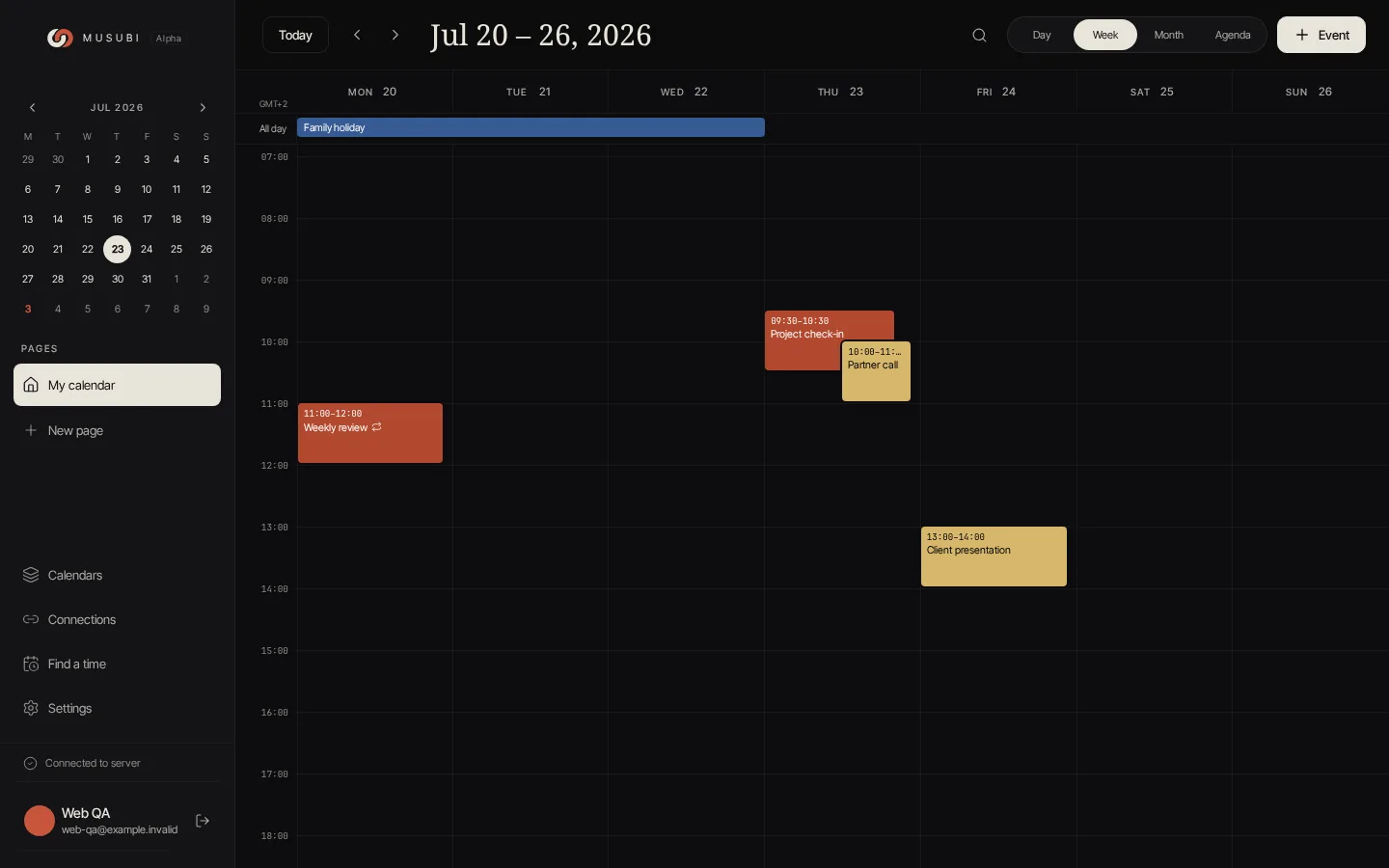
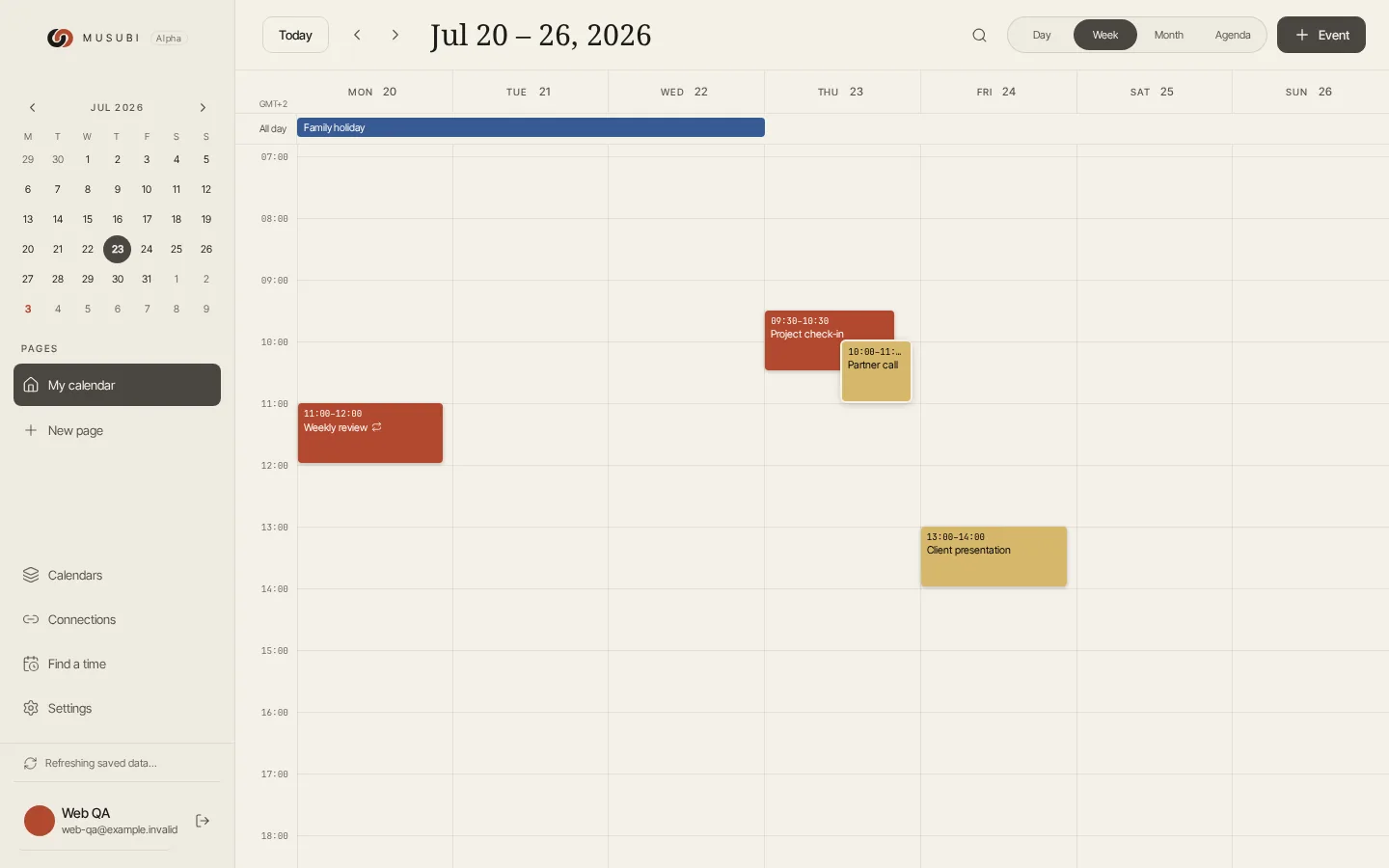
Separate lives. Shared moments.
A calendar for your people
Give your household, your partner or your friends a shared place for plans. Invite them in and choose who can make changes.
Keep the calendars you use
Google, iCloud, Outlook and CalDAV, together in one view. Two-way sync keeps connected calendars up to date.
One event, linked together
A dinner can belong to your calendar and the family one. Link the event, change it once, and keep everyone in the loop.
A little more room for real life.
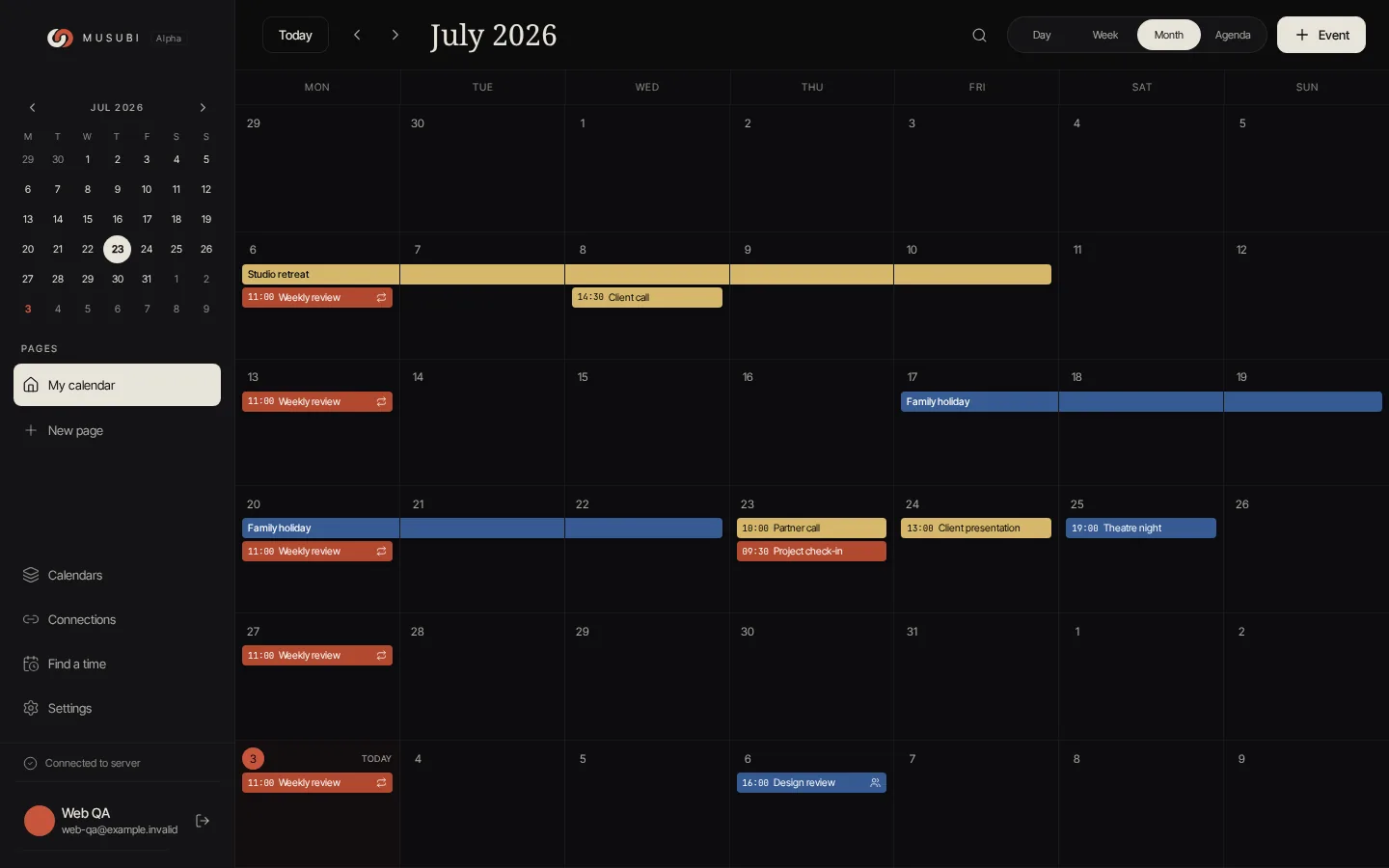
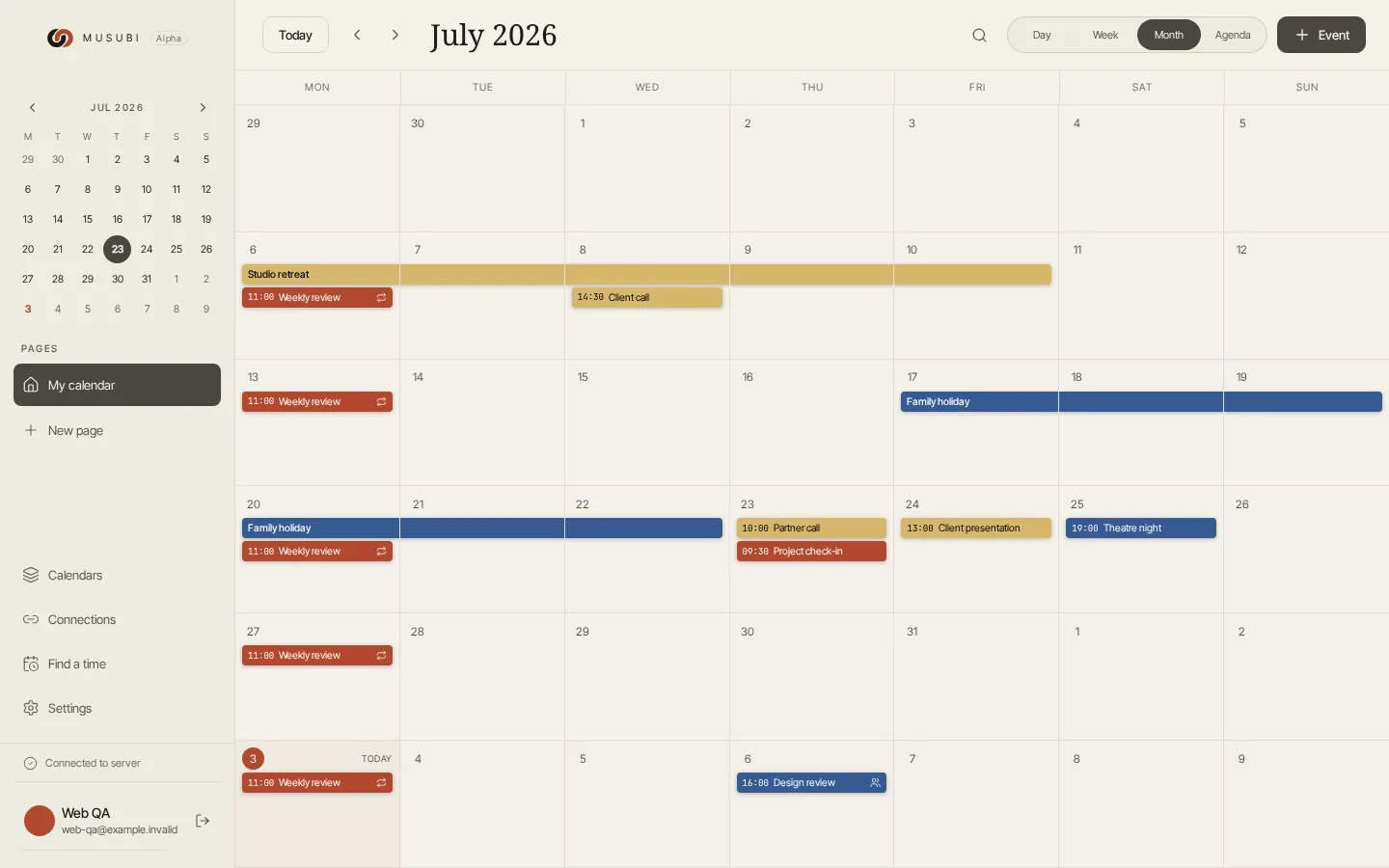
A calendar per relationship
One with your partner, one with family, one with the people you hike with. Each person sees only theirs — owner, editor or viewer.
And on your home screen
Android app and home-screen widgets, so the week is there before you open anything.
Plans, and the things to do
Create, update and complete to-dos in the desktop Tasks view. Keep them alongside the calendars they belong to.
Work here. Weekends there.
Save a view and a selection of calendars as a personal page. Move between the different parts of your life.
Your other calendars are welcome here.
Create or edit an event in a connected, writable calendar and the change syncs back to its provider. Read-only calendars stay read-only. Google Calendar access details →
What we won't do, in plain words.
Free, for now
Hosted Musubi is free during early access — no trial countdown, no card. Self-hosting is free forever. If paid extras ever arrive, the calendar itself stays useful without them.
Nothing to take on trust
App, server and sync protocol — all of it readable, forkable and MIT-licensed. Every promise on this page is checkable in the source.
Built in the open
Decisions, bugs and half-finished ideas happen in public. Come argue about them.
Run it yourself
One Docker Compose file on your own box. Same app, your data, no account with us at all.
Early days. A shared direction.
Musubi is early access, and bugs and problems are part of that stage. Tell us what breaks, what feels confusing and what would make your everyday planning better. Your feedback helps shape what we work on next.
Come talk calendars with us.
Meet other early users, ask questions, share how you use Musubi and discuss ideas with the people building it.
Found a bug? Have an idea?
Report problems, suggest improvements and follow the roadmap. For bugs, tell us what you expected, what happened and how to reproduce it.
The things people ask first.
What should I expect from early access?
Musubi is in early access and active development. Expect bugs, rough edges and features that change or do not work as expected. Join our Discord community to ask questions and discuss ideas, or use feedback.musubi.pro to report bugs, suggest improvements and follow the roadmap. When reporting a bug, include your device, what you expected and the steps that led to the problem.
Is Musubi free?
Yes — it's free during early access, with no trial countdown and no subscription. If optional paid extras ever arrive, the calendar itself stays useful without them. And because Musubi is open source, you can always self-host it for the cost of your own server.
What happens to my data? Do you sell it?
Never. There are no ads and nothing is sold. The hosted service runs on EU infrastructure over HTTPS with restricted access. Your calendar is shared only through an invite link you explicitly create — there's no discover, no friends-of-friends, no activity feed. You can read exactly what we do with your data in the Privacy Policy.
Which calendars can I connect?
Google Calendar, Apple iCloud, Outlook and Microsoft 365, and any CalDAV server (Nextcloud, Fastmail, Radicale). All of them sync two ways, so anything you write in Musubi shows up in the original calendar, and changes there flow back. Multiple accounts are welcome, and read-only calendars stay read-only.
Is there an iPhone app?
Android is available on Google Play. iOS is in testing through TestFlight, so it is not a general App Store release yet. The desktop web app is available in a browser; on phone-sized screens, the web app directs you to the native app.
Can I self-host Musubi?
Yes. Every part of Musubi — app, server, and sync protocol — is open source under the MIT License and lives on GitHub. Bring your own server and run the whole thing with a single docker compose up. Your knots, your hardware.
Start with one shared calendar.
Plan in the desktop browser. Take the Android app with you. iOS is available for testing through TestFlight. All versions are early access: expect bugs and rough edges.